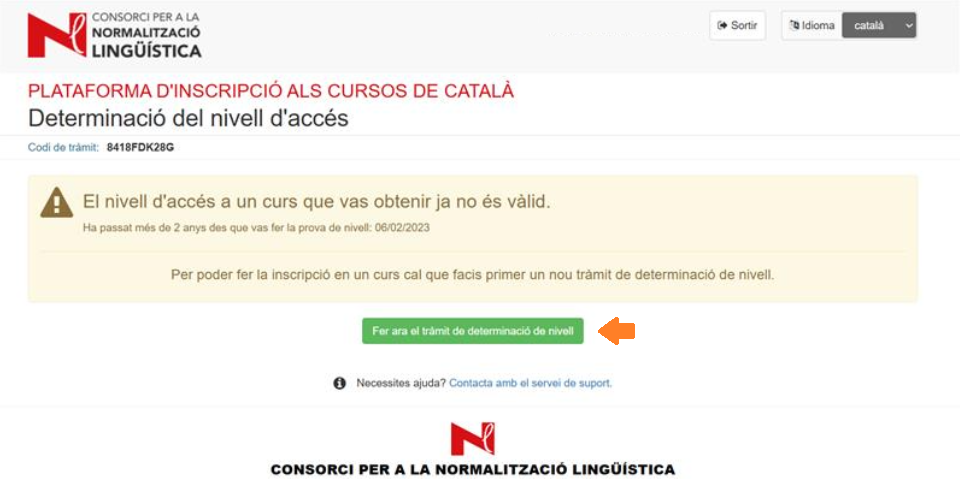
Determining your level
Contents:
1. How to access the platform
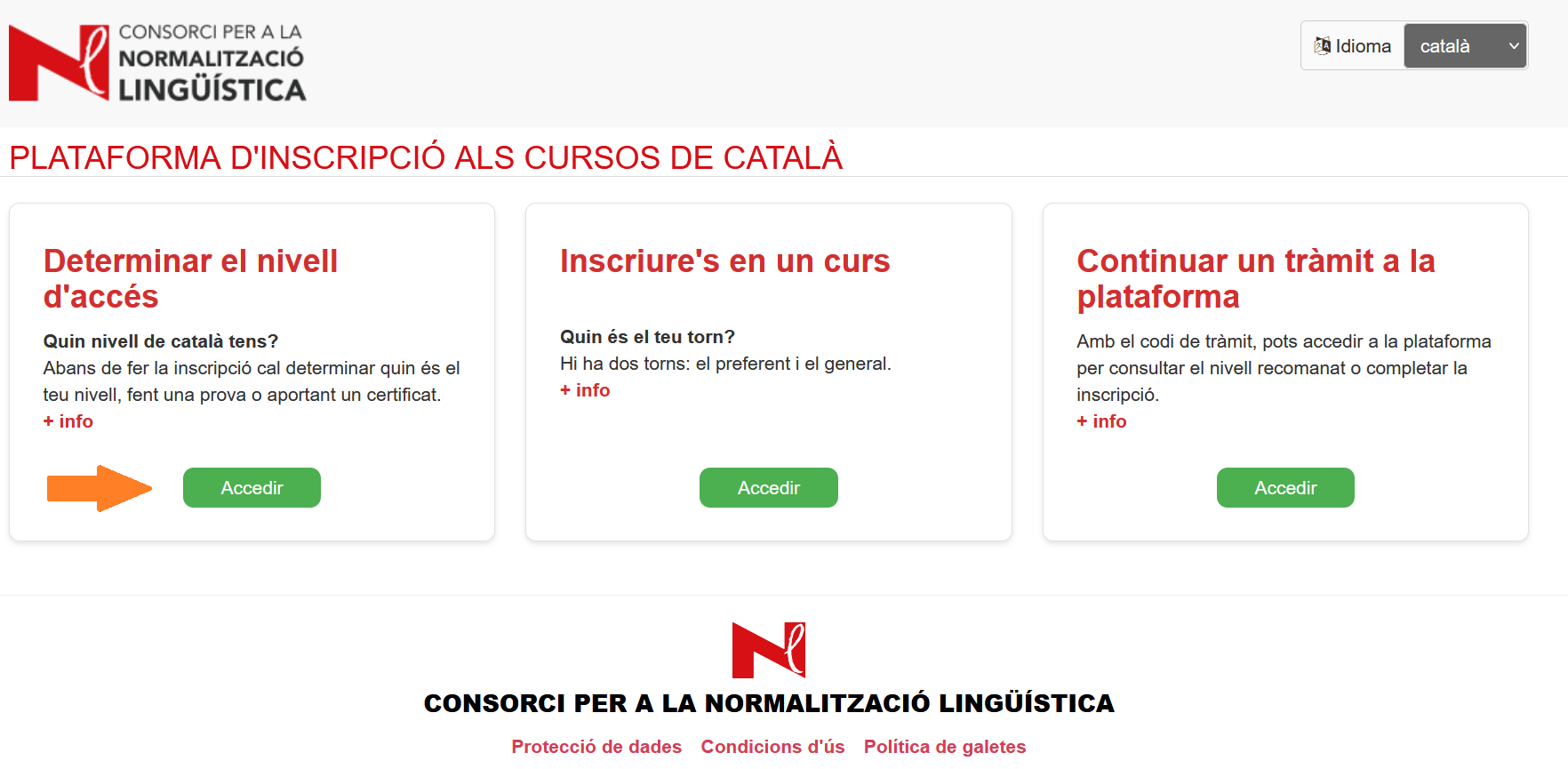
Go to the registration platform for Catalan courses and go to "Determine your starting level".
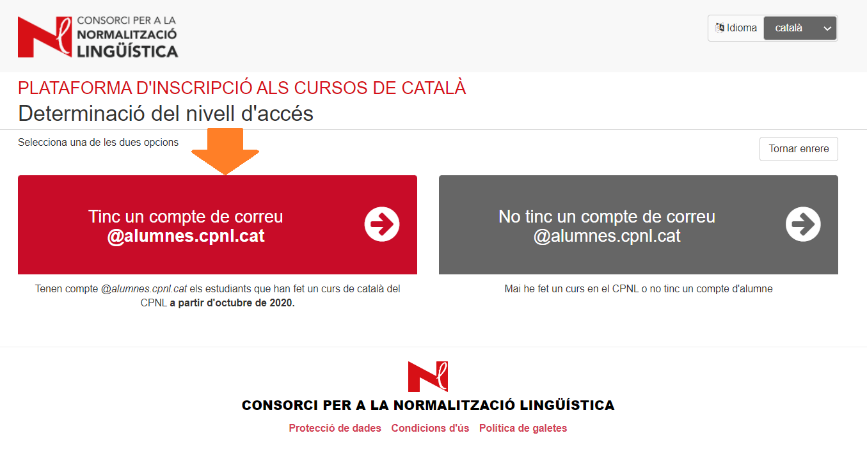
If you already have a student account
Go to I already have an @alumnes.cpnl.cat email account.
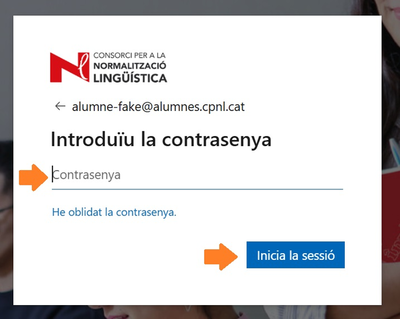
The app will redirect you to the Microsoft Office log in.
Remember that you have to close the session on your private Office account in your browser or open a new window to start an Office session using your CPNL account.
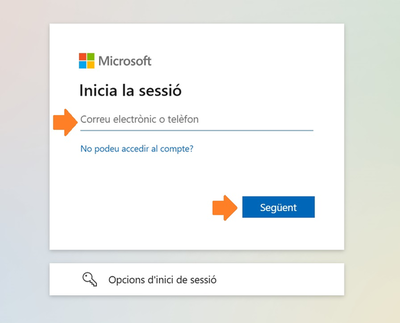
Enter your password and click Start session
You’ll be informed of the course you have to take on this screen.
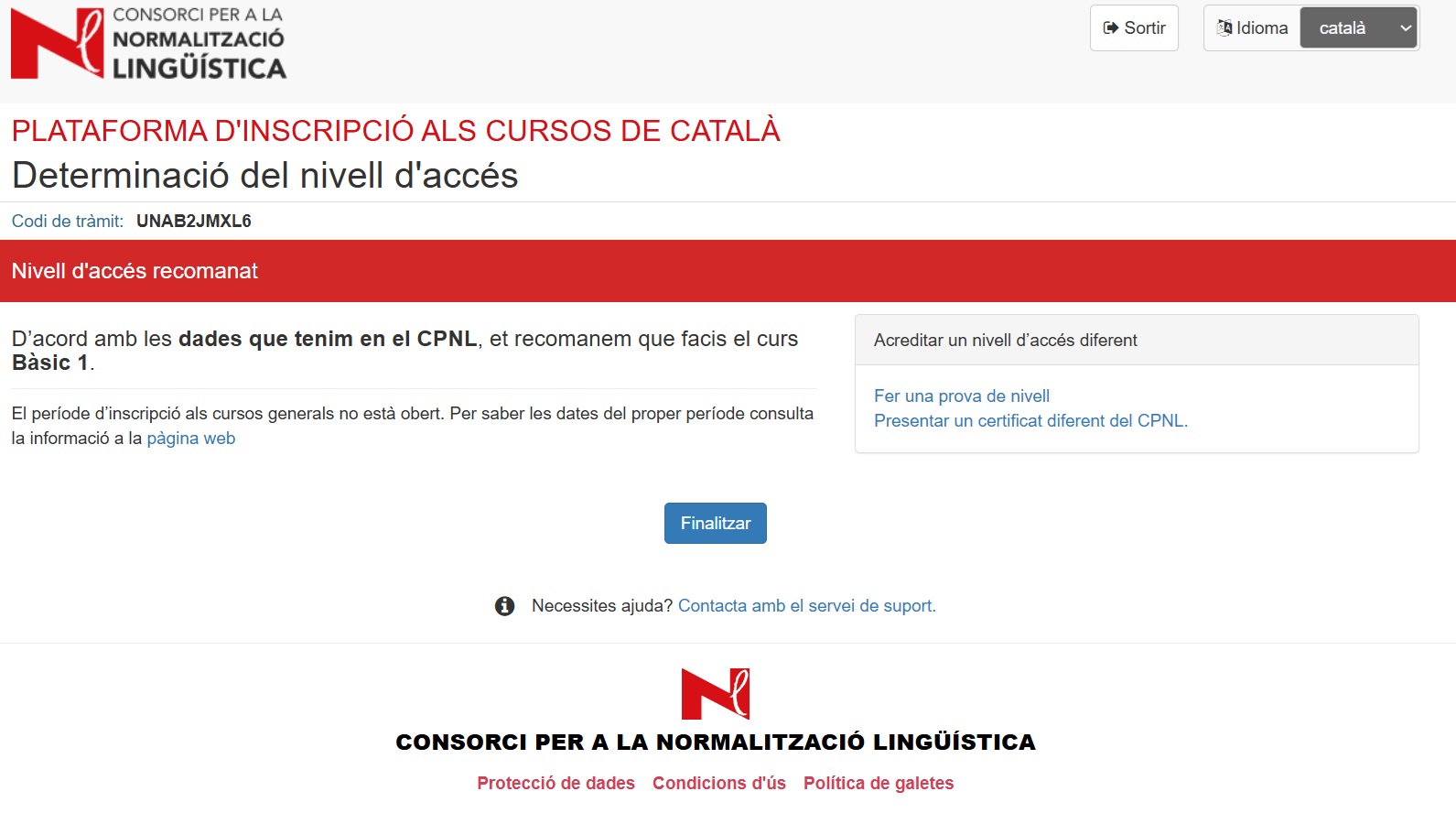
If you need to accredit a language level different to the one that appears on the screen, click one of the options in the menu on the right:
- Submit an external certificate How to attach a certificate
- Take a language level test How to request a language level test
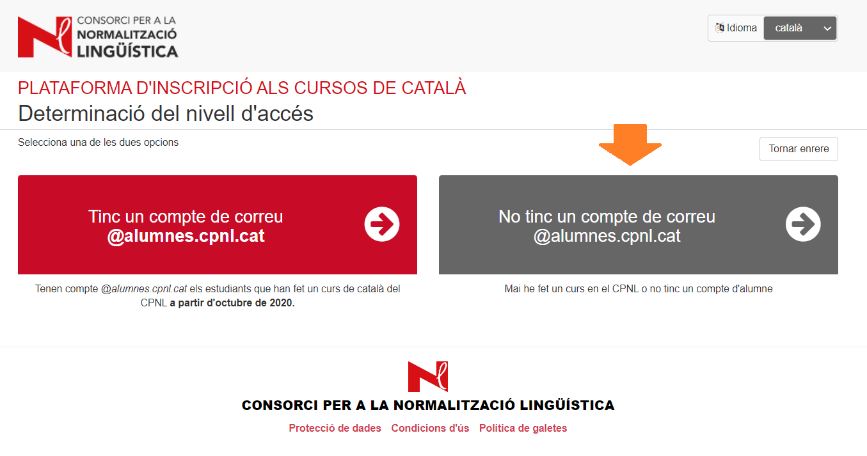
If you don’t have a student account
Go to I don’t have an @alumnes.cpnl.cat email account.
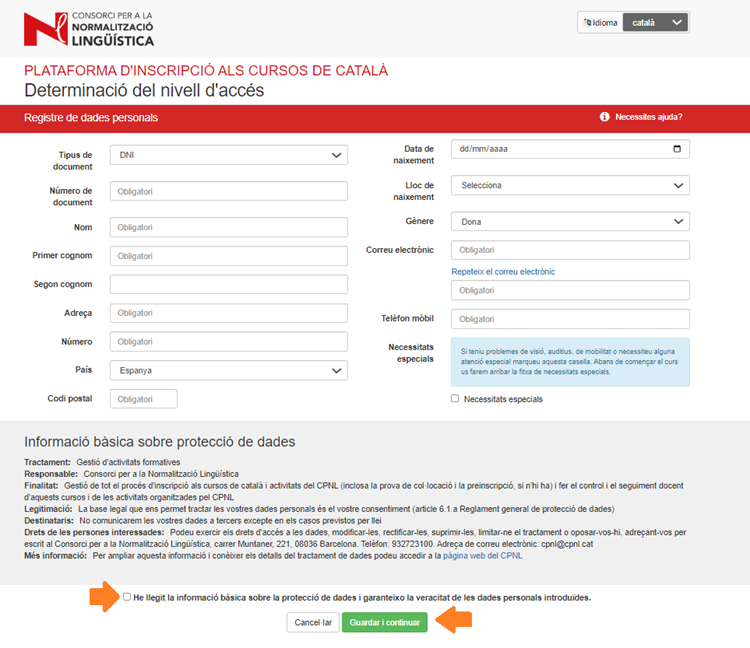
Fill in the form with your details.
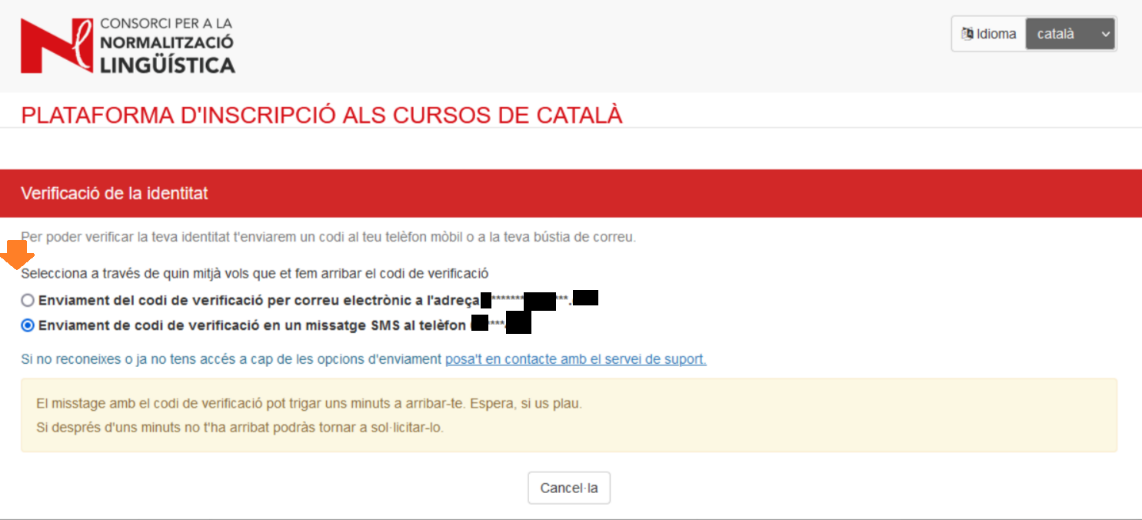
Select the email address or mobile number to get the verification code to confirm your identity and click Send verification code.
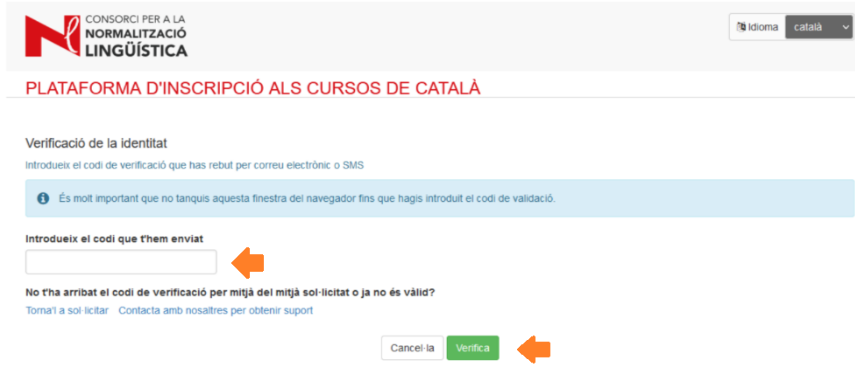
Enter the verification code and click Verify.
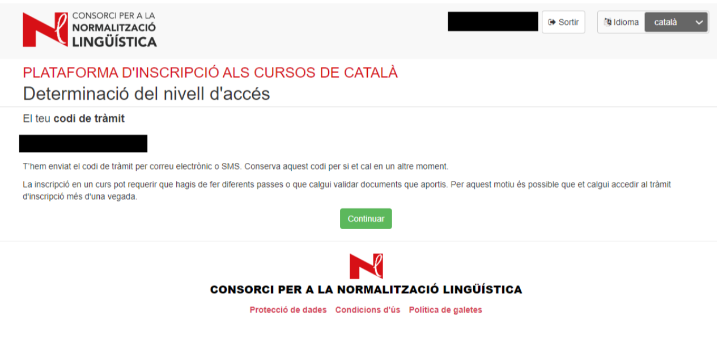
2. How to attach a certificate
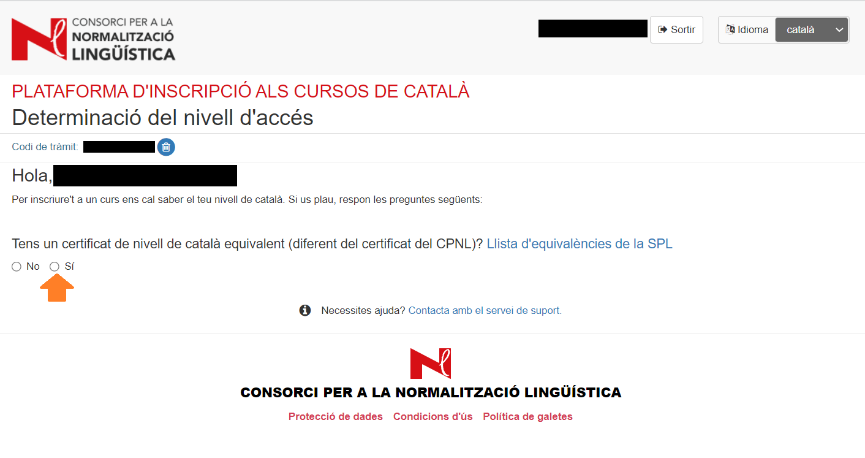
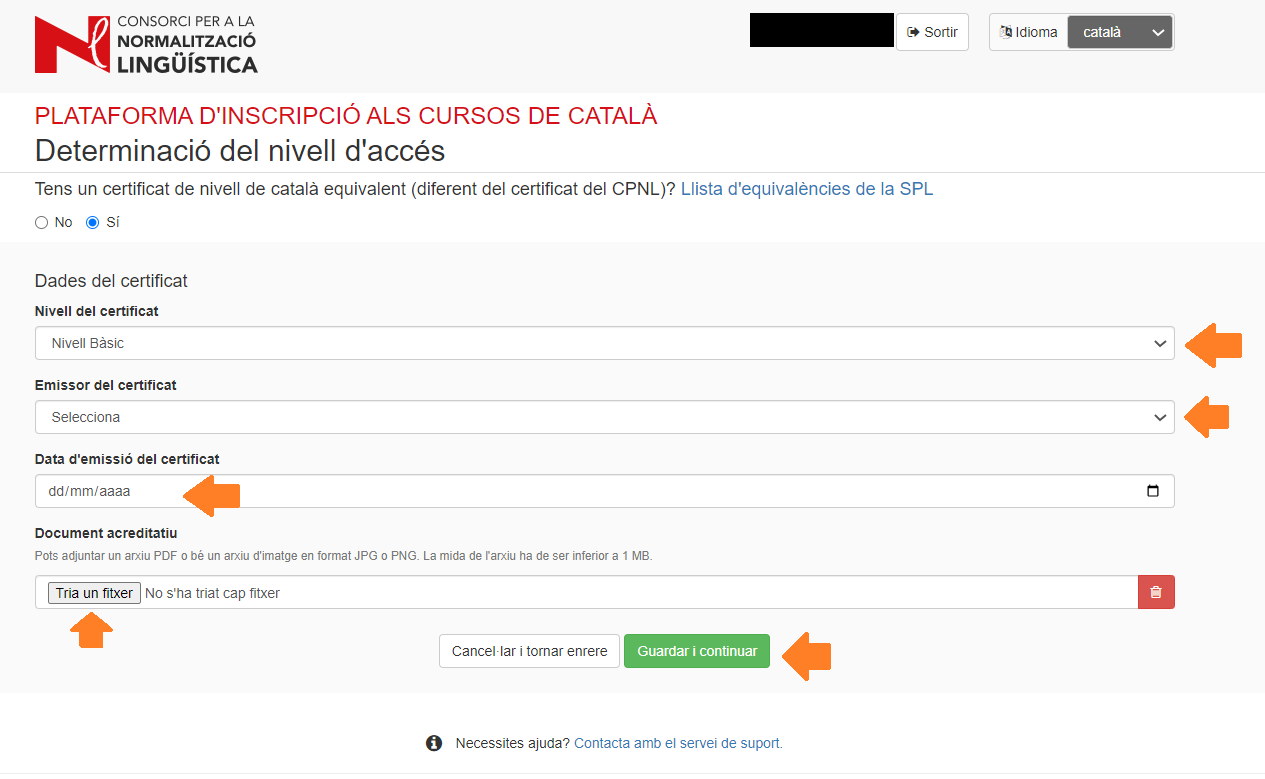
If you have an equivalent certificate of your knowledge of Catalan, select Yes and attach it.
Click on the dropdowns and select the relevant options.
Attach your certificate as a PDF or JPG or PNG image (the maximum file size is 1 MB).
Click Save and continue.
The screen will show you that we've received your certificate and it's currently under review. Once it has been reviewed, you’ll be notified that your application has been updated.

If your certificate has been accepted, you can register for a course when the registration period opens.
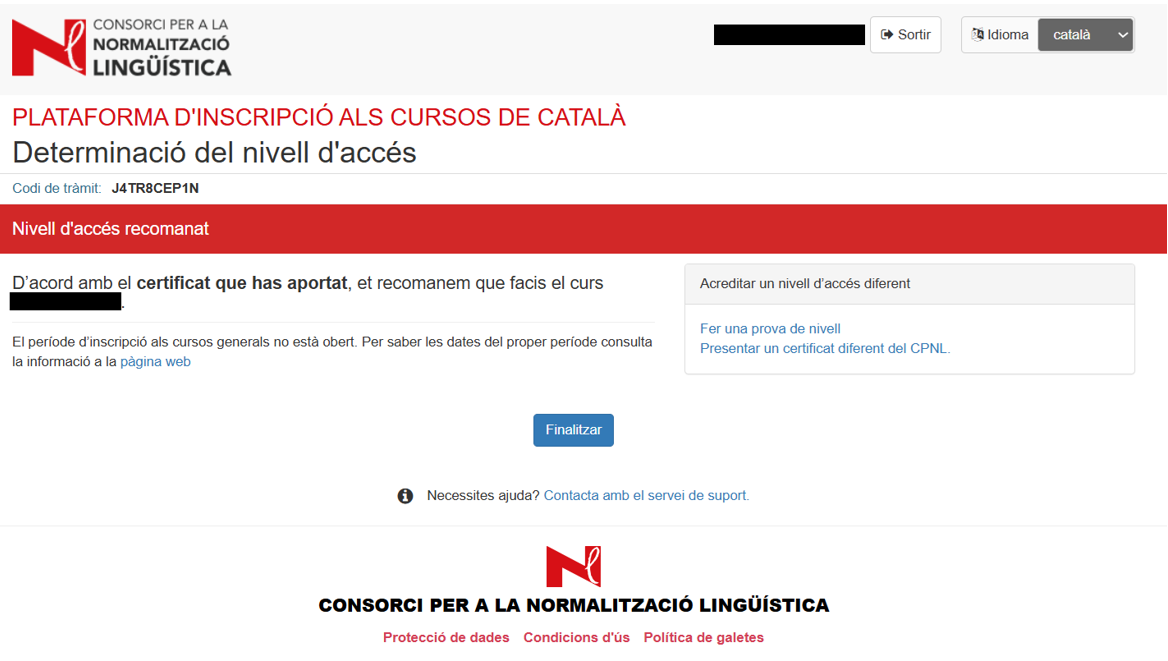
If your certificate has not been accepted, you have to request a language level test.
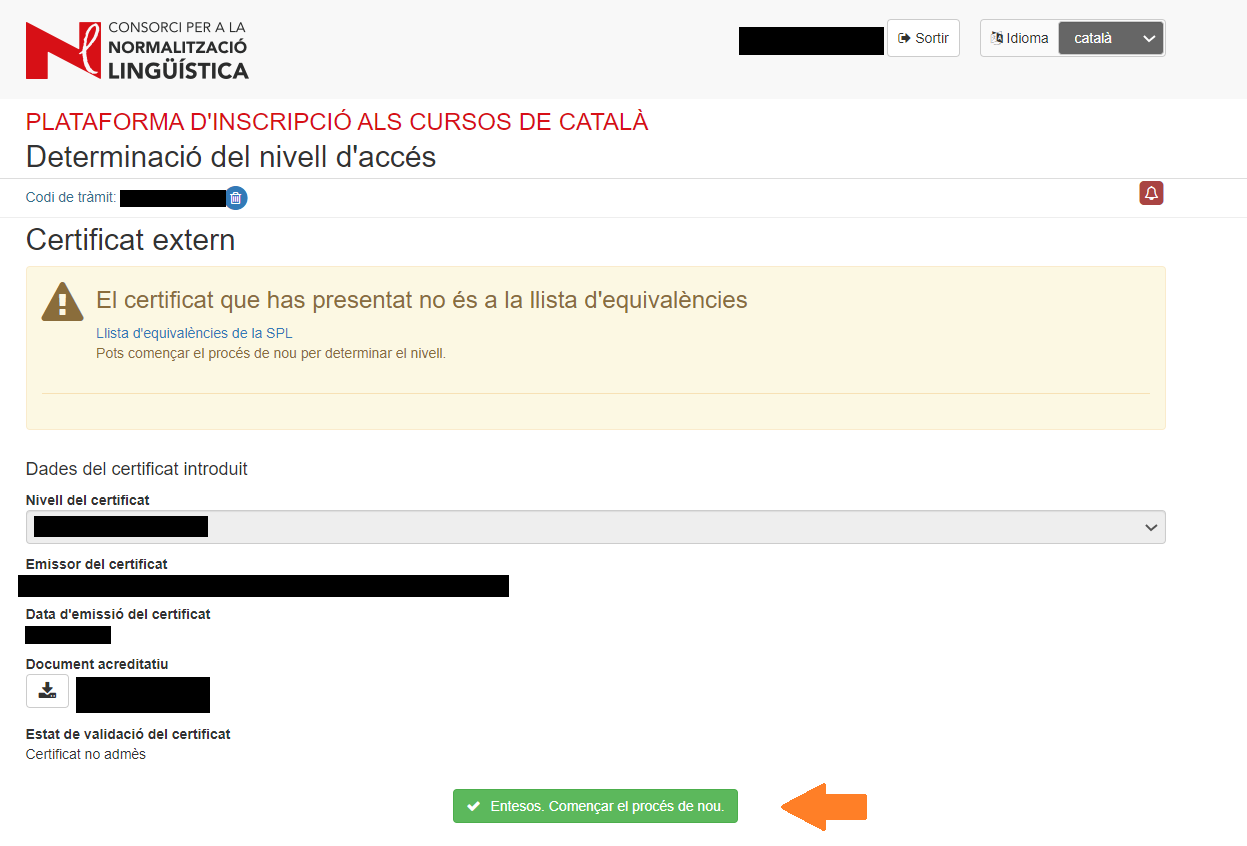
3. How to request a language level test
If you don’t have a certificate and want to do a language level test, select No.
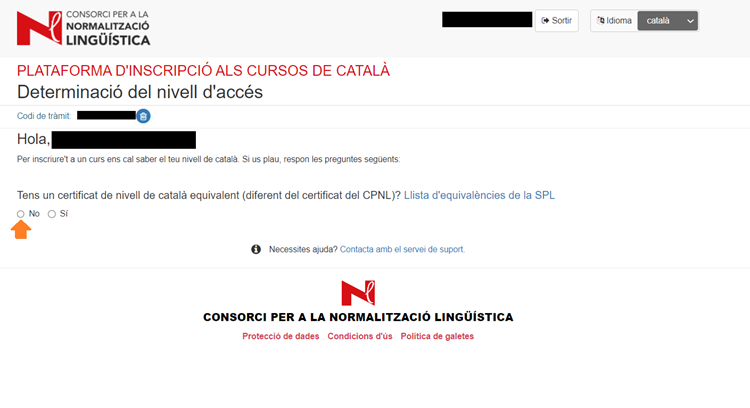
Answer the questions in the questionnaire.
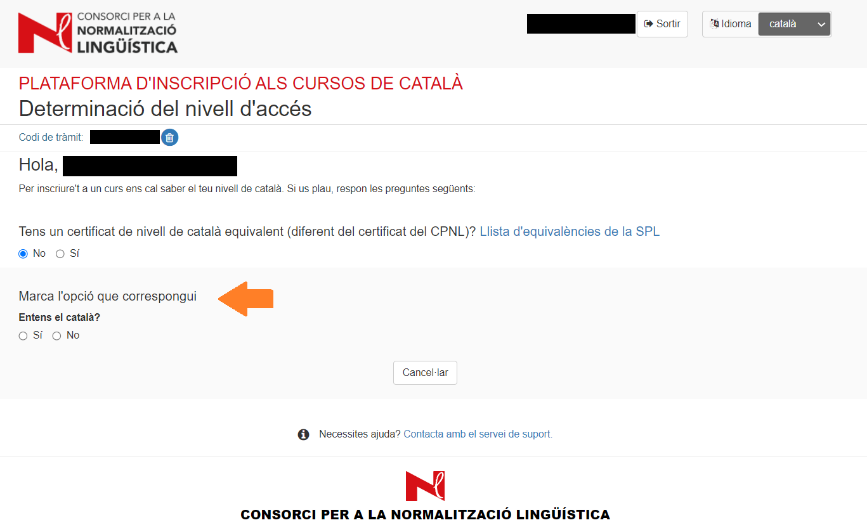
Once you've finished, it’ll tell you whether you have to do a Beginner course, or Basic 1.
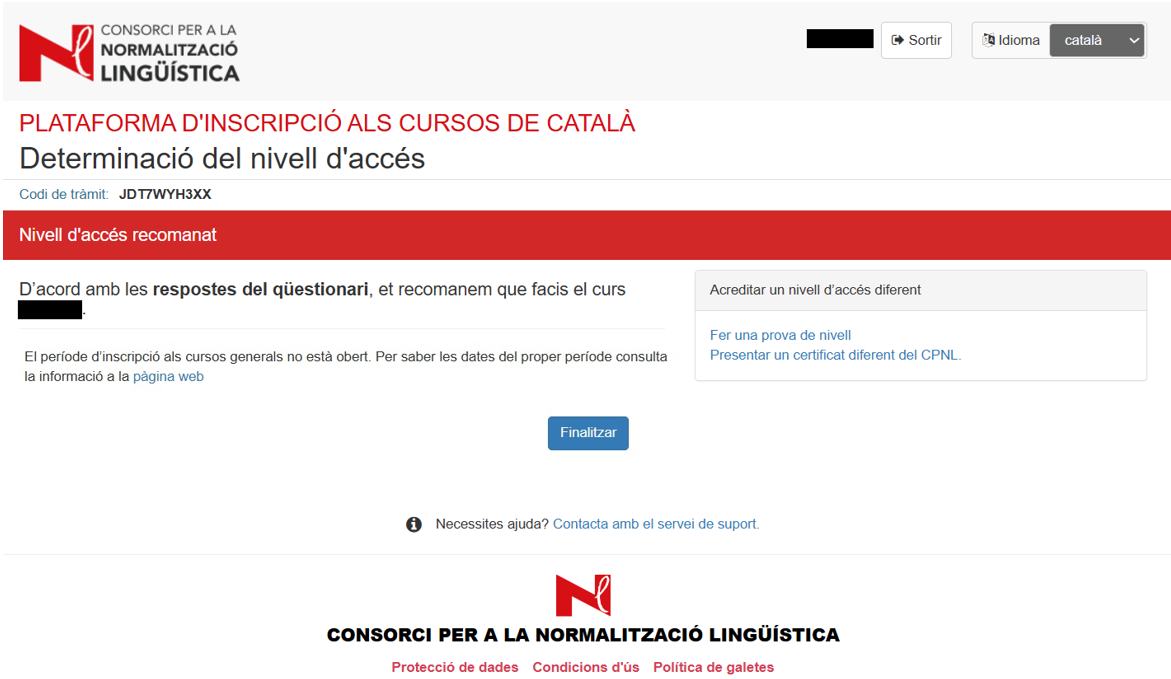
or that you should do a language level test. You can do that online or in person.
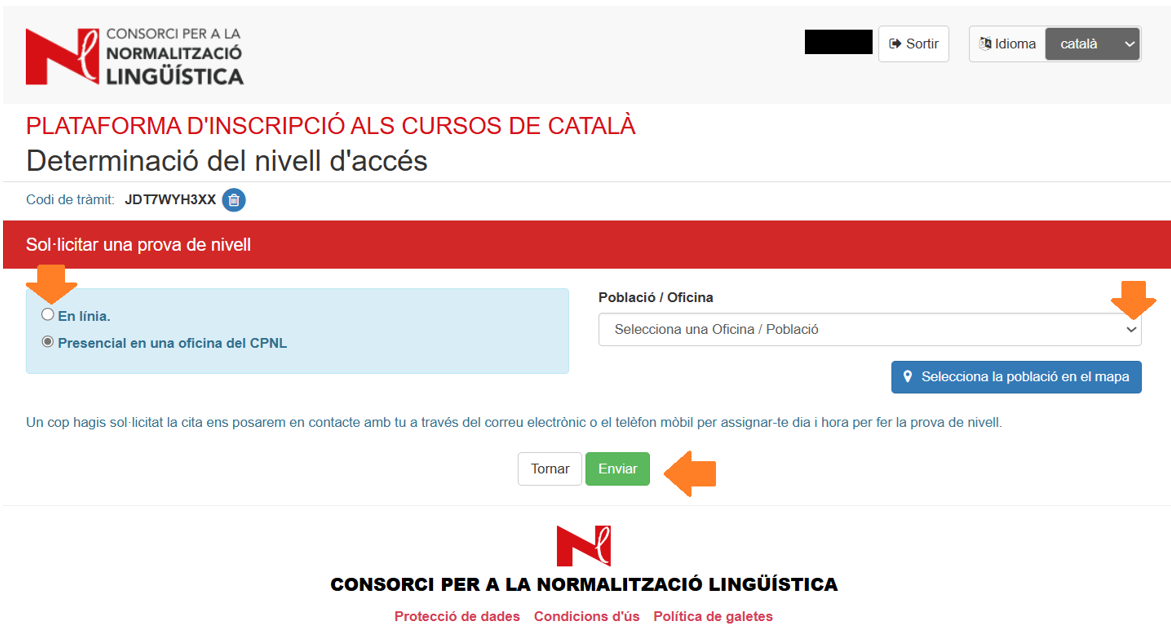
Once you've requested a language level test, our team will get in touch with you to arrange a date and time.
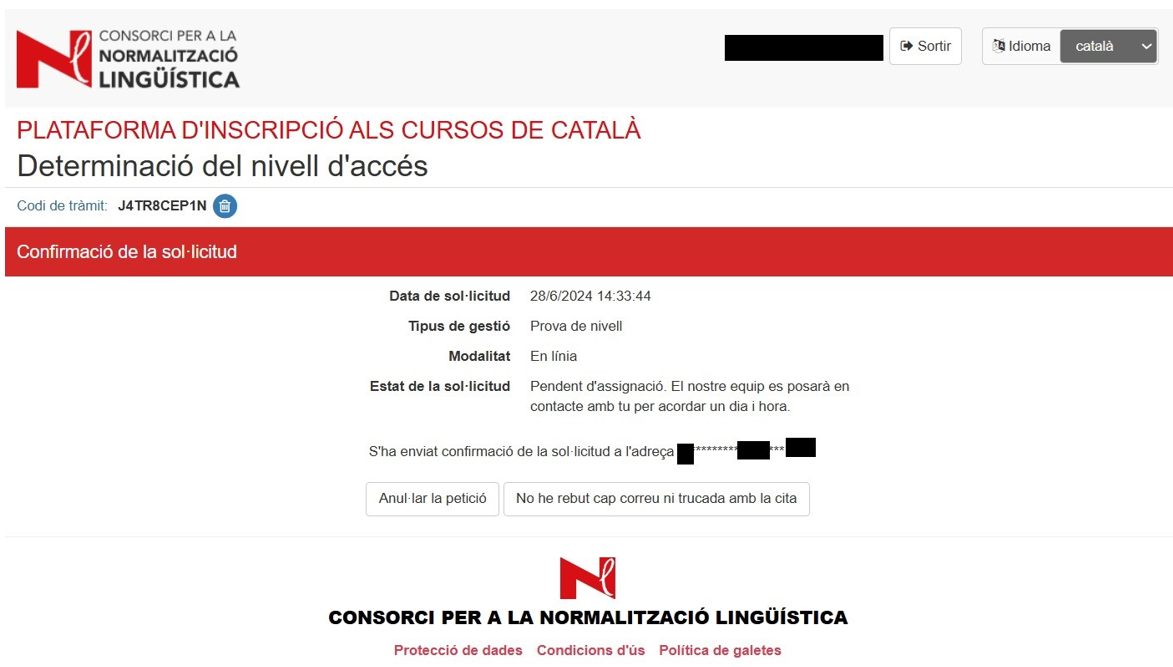
Once you have the results of the test, you can register when the registration period opens.
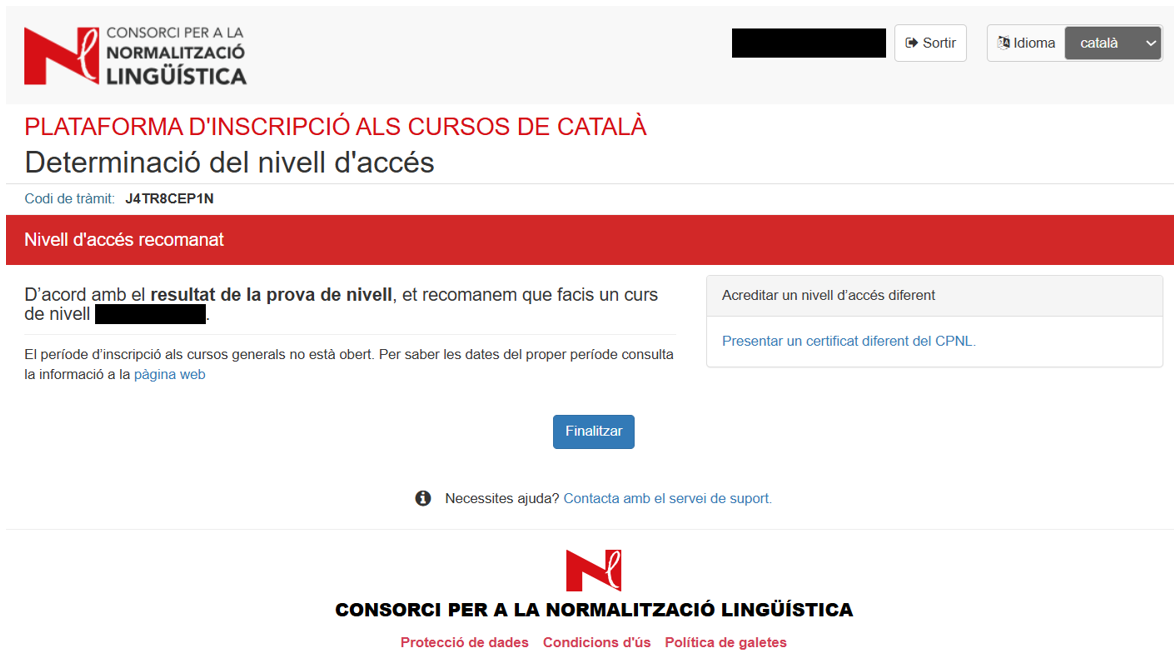
The results of your language level test cannot be used as a certificate of your knowledge of the language and do not guarantee that you will have a place on a Catalan course.
4. How to continue an open process
To access an open process, go to the registration platform and fill in the details at Continue a process on the platform.
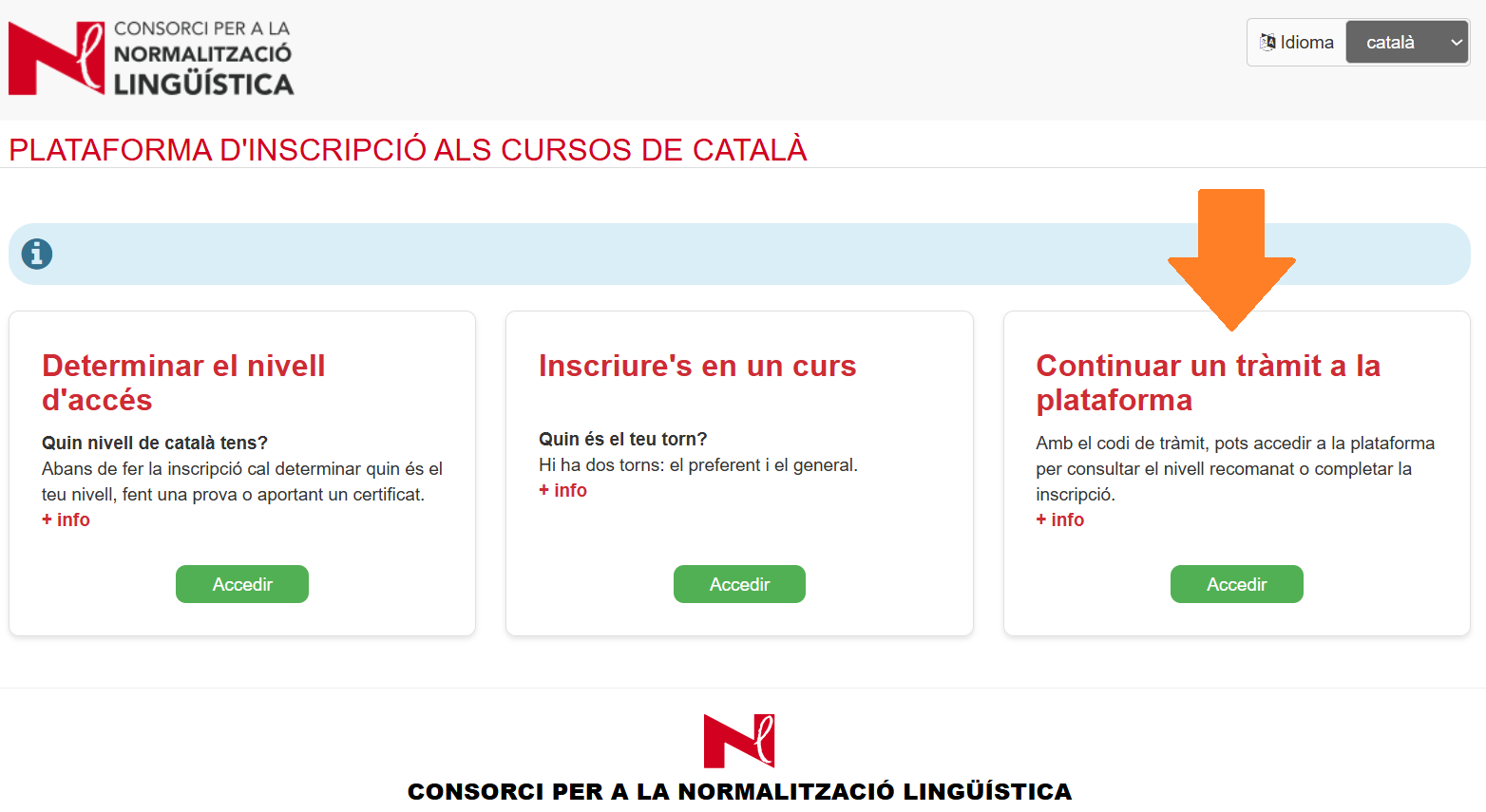
If the enrolment period is open, you can register.
See the guide to the registration process for the next steps.
Need some help? See the FAQs (frequently asked questions) or contact User Services.
Notice
- If it has been more than 2 years since you took the language level test or answered the questionnaire, it will no longer be valid. You’ll have to request another test, answer the questionnaire or, if you have a certificate, submit it.